 Avg. 5 min read
 Audience: Email Addresses and Permissions
Audience helps you find customer groups with specific characteristics so you can target them with relevant promotions. To contact a customer, you need two things: the customer's email address and the customer's permission to be contacted.
After you create an Audience, you can export email addresses from Hello Retail and upload them to your email service provider. If Hello Retail does not know a customer's email address, the customer cannot be included. If we know the email address but do not have permission, we mask the address to prevent accidental sending and to comply with regulations. Therefore, email addresses and permissions are required to use Audience effectively.
Unidentified customer vs. identified customer
When a visitor lands on your webshop, Hello Retail sets a unique cookie. This cookie lets us associate browsing and purchase activity with a profile in Hello Retail. If you use Hello Retail Product Recommendations, this profile powers personalized content on your shop.
By default, this profile is anonymous. We do not know the person’s identity or email address, so you cannot reach the customer by email. To use the collected data for Triggered Emails, Newsletter Content, and Audience, you must link the cookie to an email address.
Linking cookie and email address
There are a few ways to help Hello Retail link a customer's cookie to an email address.
Email address from conversion tracking
If you are using a shop platform with a Hello Retail extension installed, conversion tracking is typically enabled. This sends order data to Hello Retail, including order amount, products, and the customer's email address. When an order is received, we identify the customer and link the cookie to the email address. Accurate conversion tracking is essential.
To check if conversion tracking is working, log in to your Hello Retail account and click Conversions.
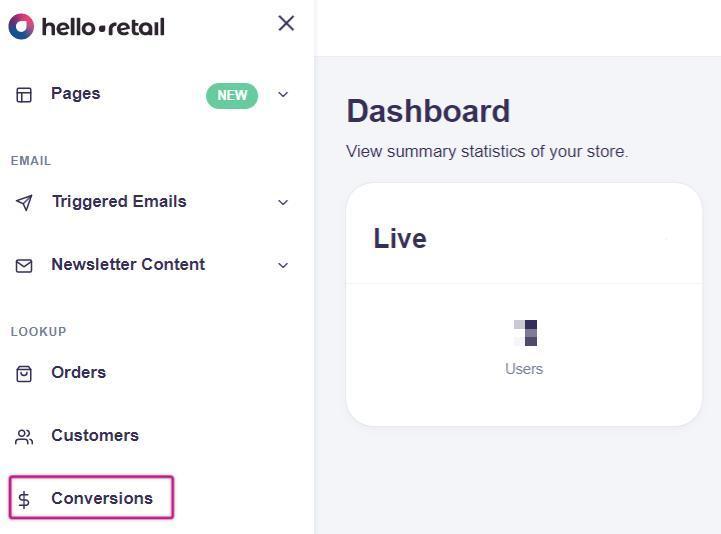
If you are not tracking conversion data, you will see a message stating that no conversion data is available. If that is the case, make sure the correct Hello Retail extension is installed. You can find supported platforms and installation procedures here.
If you see data, you can view details by clicking a specific order.
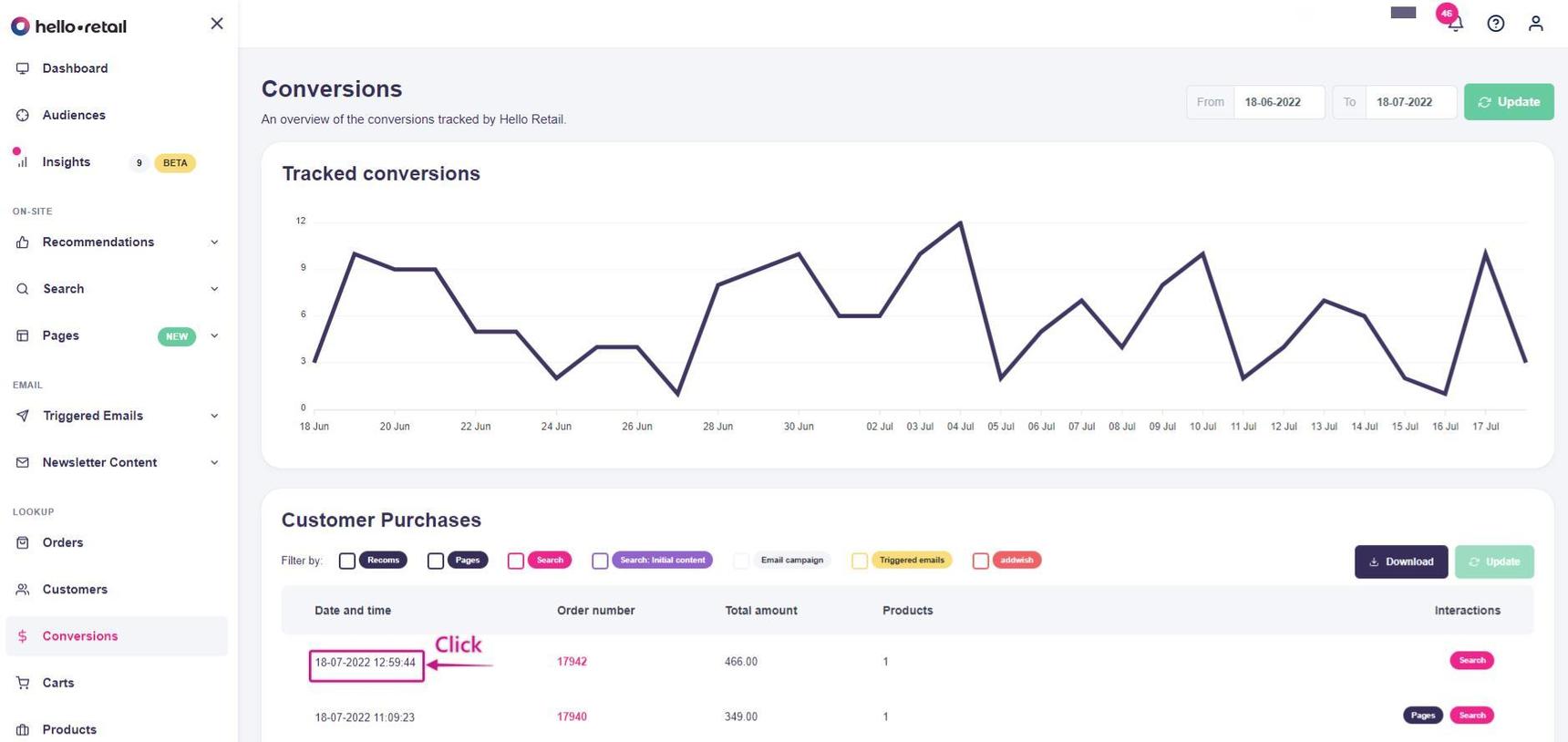
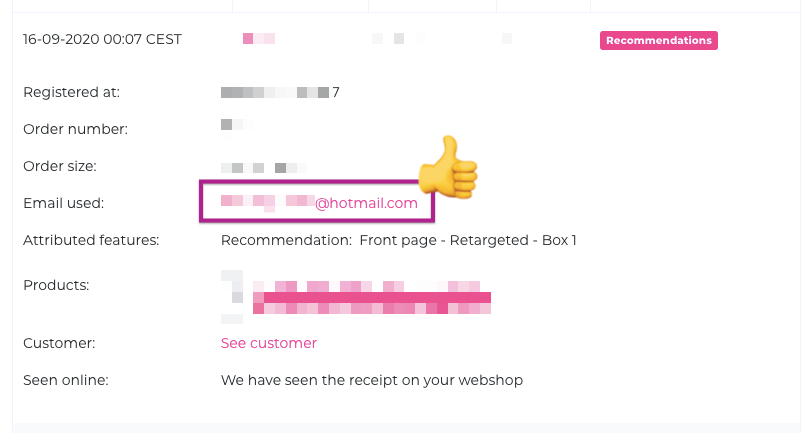
On the order page, you can see the tracked data. It should include the customer's email address. If the email address is missing, there is an issue with conversion tracking. Contact Hello Retail Support for assistance.
Permission
When customers are identified, you still need explicit permission to contact them. You also need to synchronize those permissions to the Hello Retail database.
Typically, you obtain permission via newsletter signup or similar flows managed by your email service provider, which stores the consented email list. Synchronize this list regularly with the Hello Retail database so our permissions reflect the latest status. If Hello Retail does not have permission for a known email, we mask the address as anonymous in your Audiences. Masking prevents accidental sending without consent and supports regulatory compliance. If a customer retracts consent and our database is not updated, you risk sending them promotional material. Keeping permissions synchronized avoids this.
Synchronize permissions
Several newsletter platforms support automatic permission synchronization with Hello Retail. You can find setup guides here. We recommend enabling automatic synchronization so our database stays up to date. If your platform cannot synchronize automatically, follow the manual process here. If you use manual uploads, schedule regular updates.
With email addresses identified and permissions synchronized, you are ready to use Audience!