Avg. 3 min read
 Review Frontpage Recommendations

Frontpage Recommendations
Use this checklist to ensure your frontpage recommendation boxes render and behave as expected before going live.
Introduction
Before testing your Hello Retail setup, log in to your account at: https://my.helloretail.com/company/signin.html
After logging in, open your website to start the review.
Note
When product recommendation boxes are enabled, they are not live for all visitors until you click Make Live. This allows you to review changes without exposing them to customers.
Some browsers block cross-site tracking by default. If the Hello Retail widget panel does not appear, adjust your browser's cross-site tracking settings.
Step 1
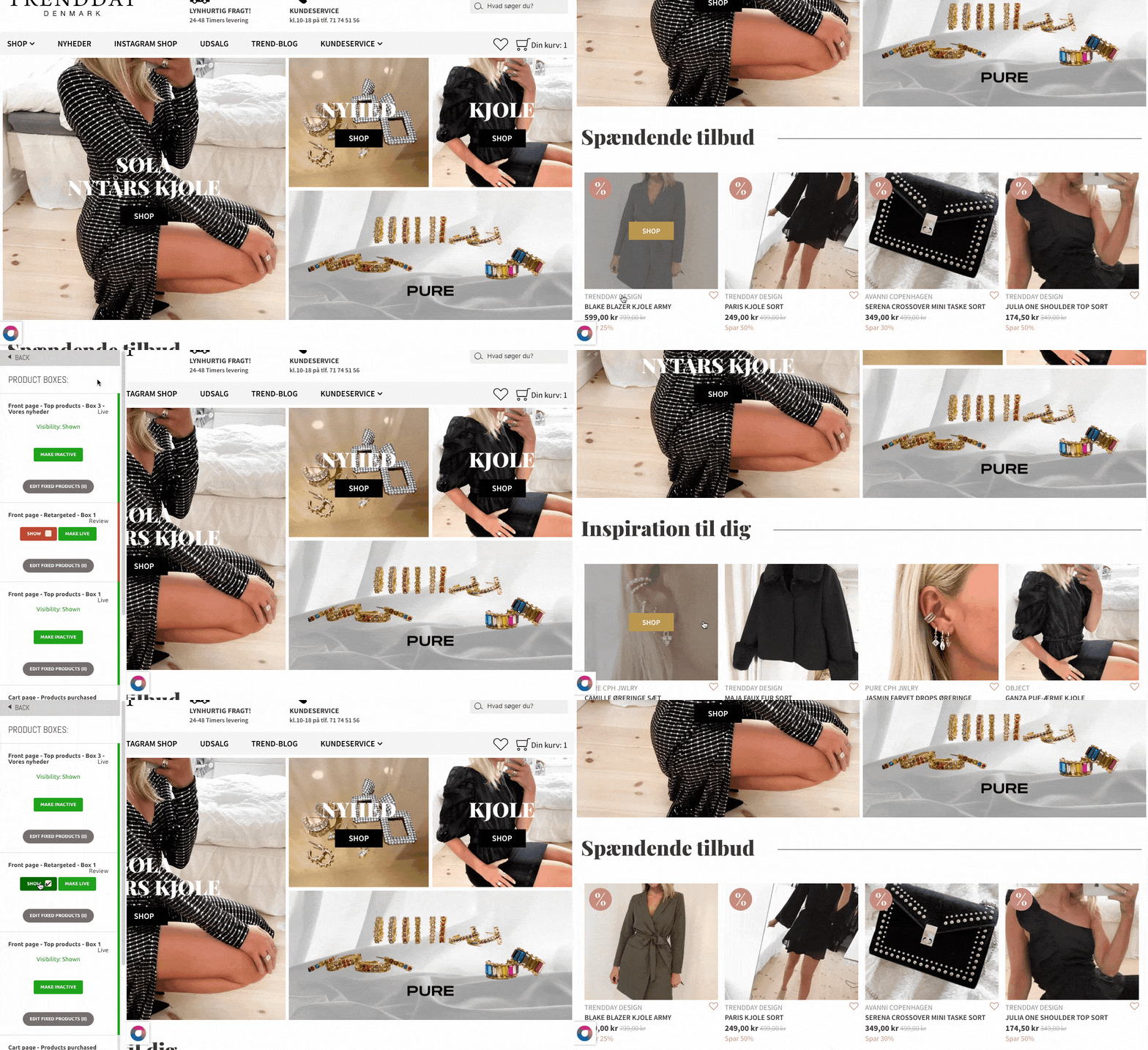
Enable Live Test for your recommendation boxes.
- Navigate to the front page of your website.
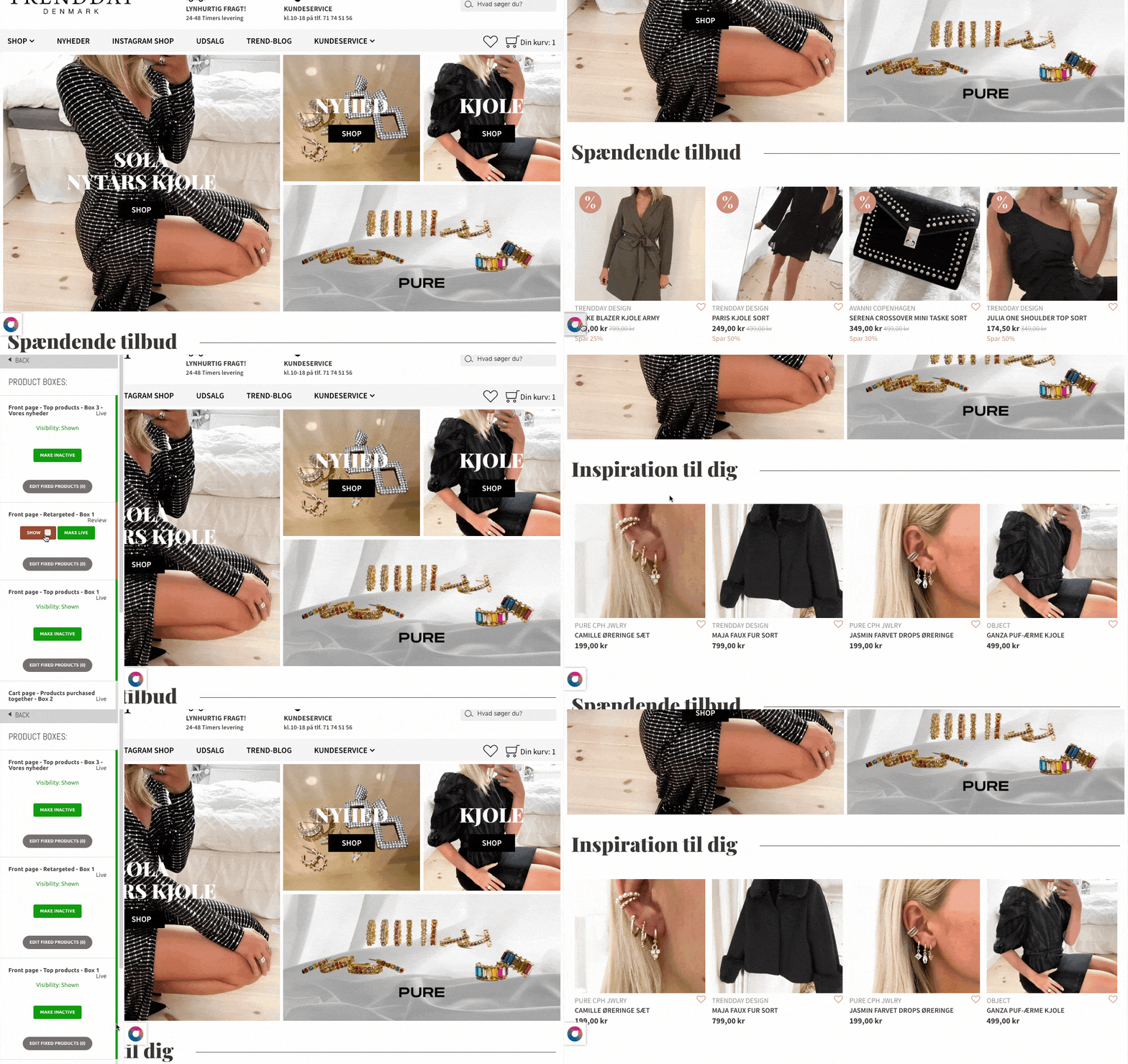
- Click the Hello Retail icon on the bottom-left to open the Hello Retail panel.
- Navigate to Product Boxes and toggle Show on for the recommendation boxes you want to display.
- Close the widget panel by clicking the Hello Retail icon again.
- Refresh the page in your browser (On Mac: CMD+R / On Windows: CTRL+R).
Step 2
If a recommendation includes a slider, verify that it works and responds correctly.
Step 3
Verify that colors match your website’s visual identity.
Step 4
Verify that prices are displayed consistently across the site.
Step 5
Verify that the recommendation boxes are placed correctly.
Step 6
Verify that badges display correctly (e.g., new, on sale).
Step 7
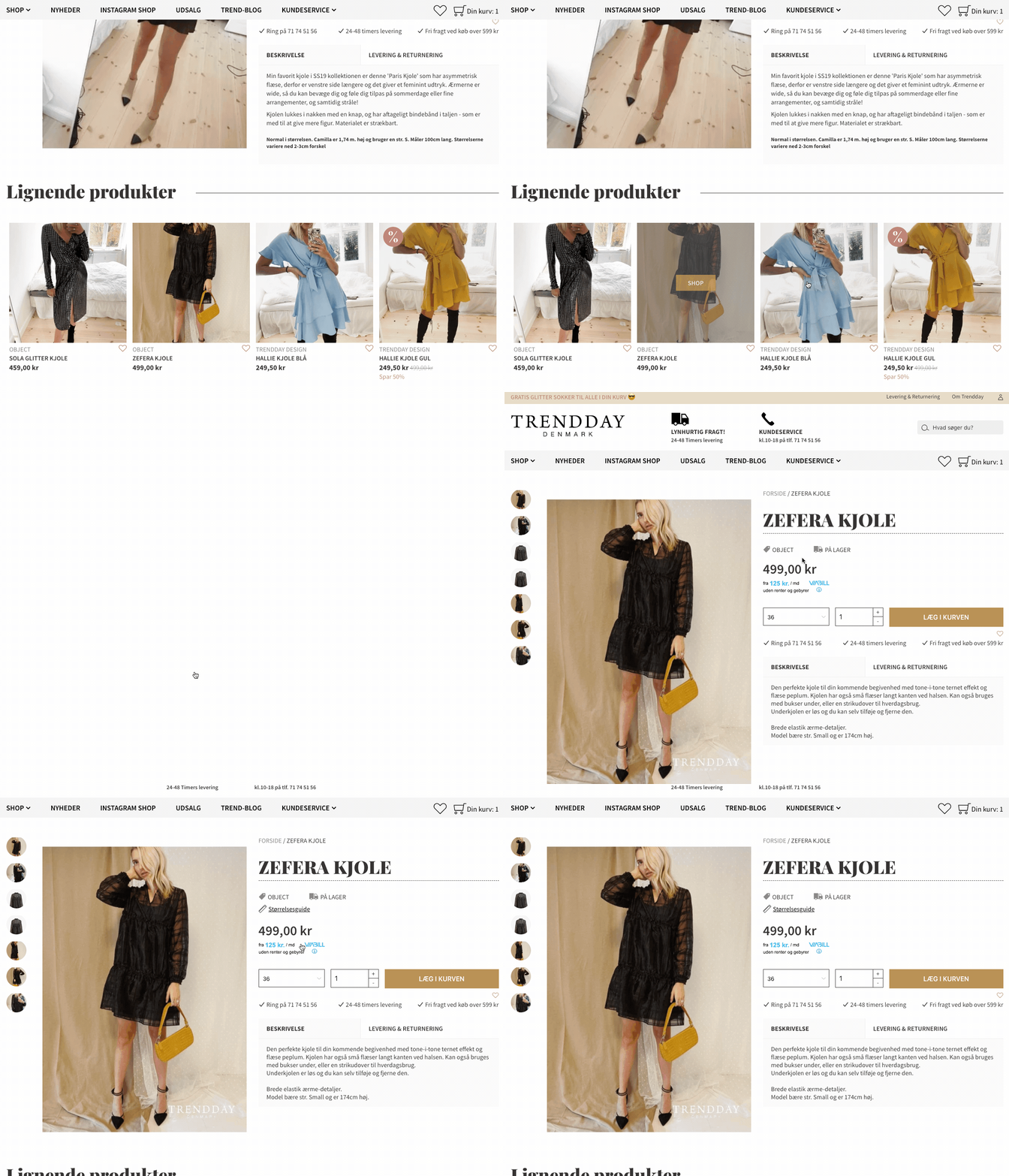
If your recommendations include a buy button, verify that it works as intended.
Note
If a product has multiple variants, the buy button must redirect to the master product.
Final Step
When all frontpage recommendation boxes work as expected, push them live.
Open the Hello Retail widget panel, go to Product Boxes, select the recommendations to publish, and click Make Live.
What shall we review next?
Recommendations
Dynamic Search
Test your website on mobile devices
Please select your browser:
 Chrome
  Firefox