 Avg. 3 min read
 Review Upsell Recommendations

Upsell Recommendations
Here is a checklist to ensure your recommendations work as expected.
Introduction
Before you start testing your Hello Retail solution, make sure you are logged in at: https://my.helloretail.com/company/signin.html
After logging in, open your website to start the review.
Note
Product recommendation boxes are not visible to all visitors until you click Make Live. Use this to review boxes without exposing them to customers.
Note
Some browsers restrict cross site tracking and third party cookies, which can prevent the Hello Retail panel from loading. Allow cross site tracking or third party cookies for your site during testing.
Step 1
Make sure the Upsell function is working on your website. It can be a popup or a slide in.
Note
Show and Make Live are available only when the Upsell is active and visible on the page.
Step 2
Enable Live Test for your recommendation boxes.
- Navigate to a page where the Upsell popup appears and trigger it.
- Click the Hello Retail icon in the bottom left to open the Hello Retail panel.
- Go to Product Boxes and toggle Show on for the recommendation boxes you want to display.
- Close the panel by clicking the Hello Retail icon again.
- Refresh the page in your browser (On Mac CMD+R, On Windows CTRL+R).
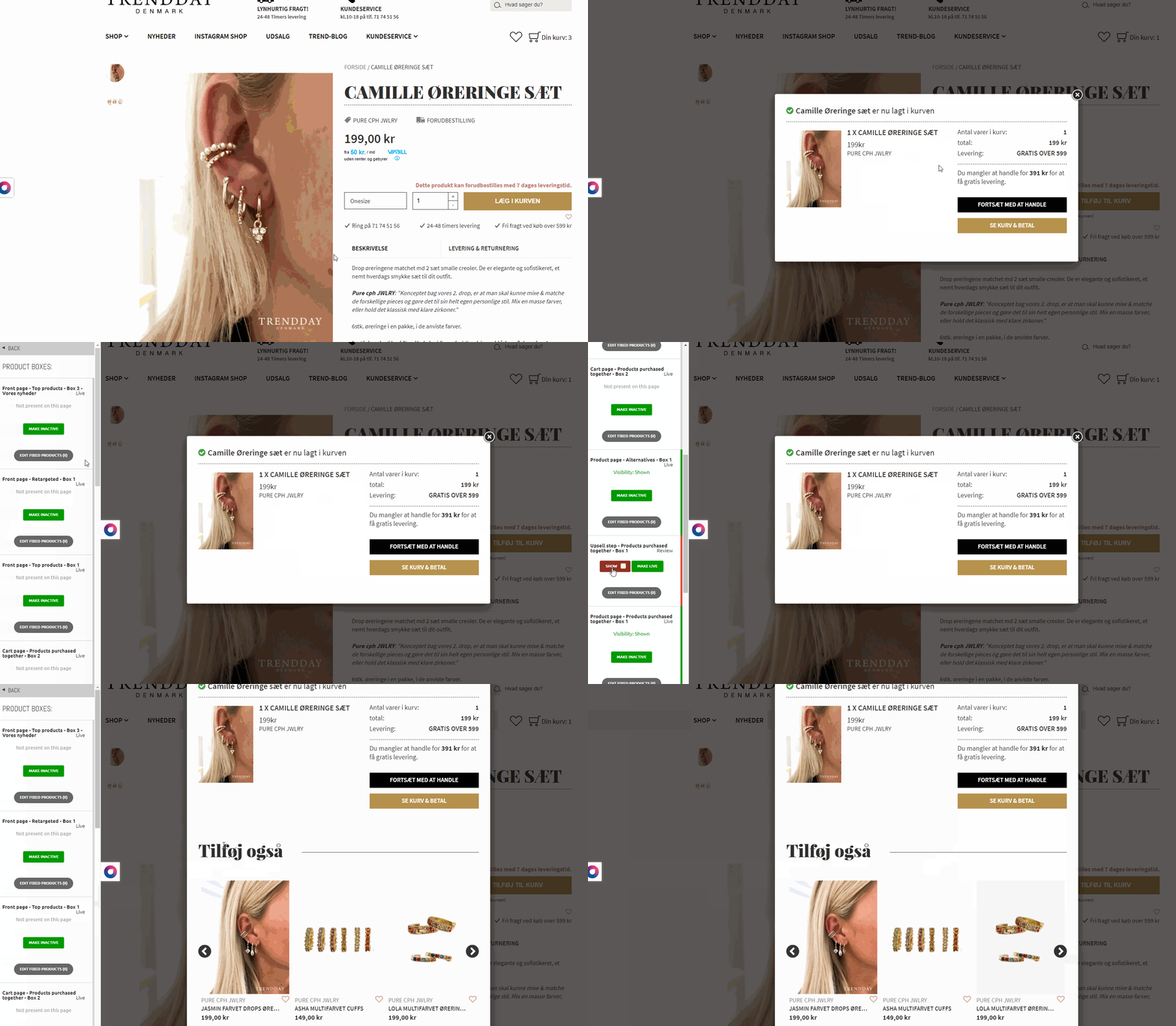
Step 3
If a recommendation uses a slider, confirm it works as expected.
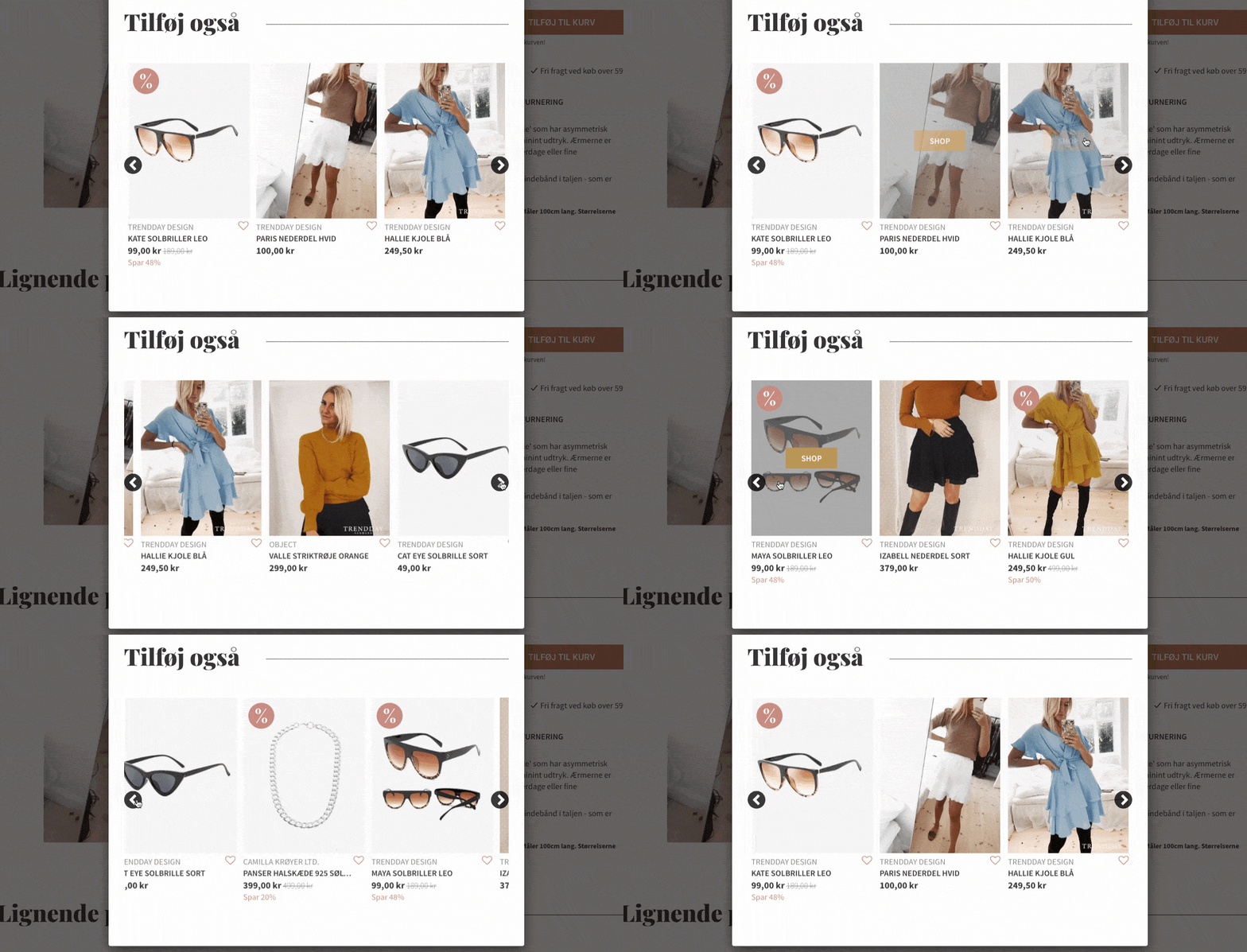
Step 4
Verify that colors match your site styling.
Step 5
Verify that prices are displayed consistently with the rest of the website.
Step 6
Verify that the boxes render in the intended position.
Step 7
Verify that badges are shown correctly (for example, new or on sale).

Step 8
If your recommendation boxes include a buy button, verify that the buy buttons work as intended.
Note
For products with multiple variants, the buy button should redirect to the master product page.
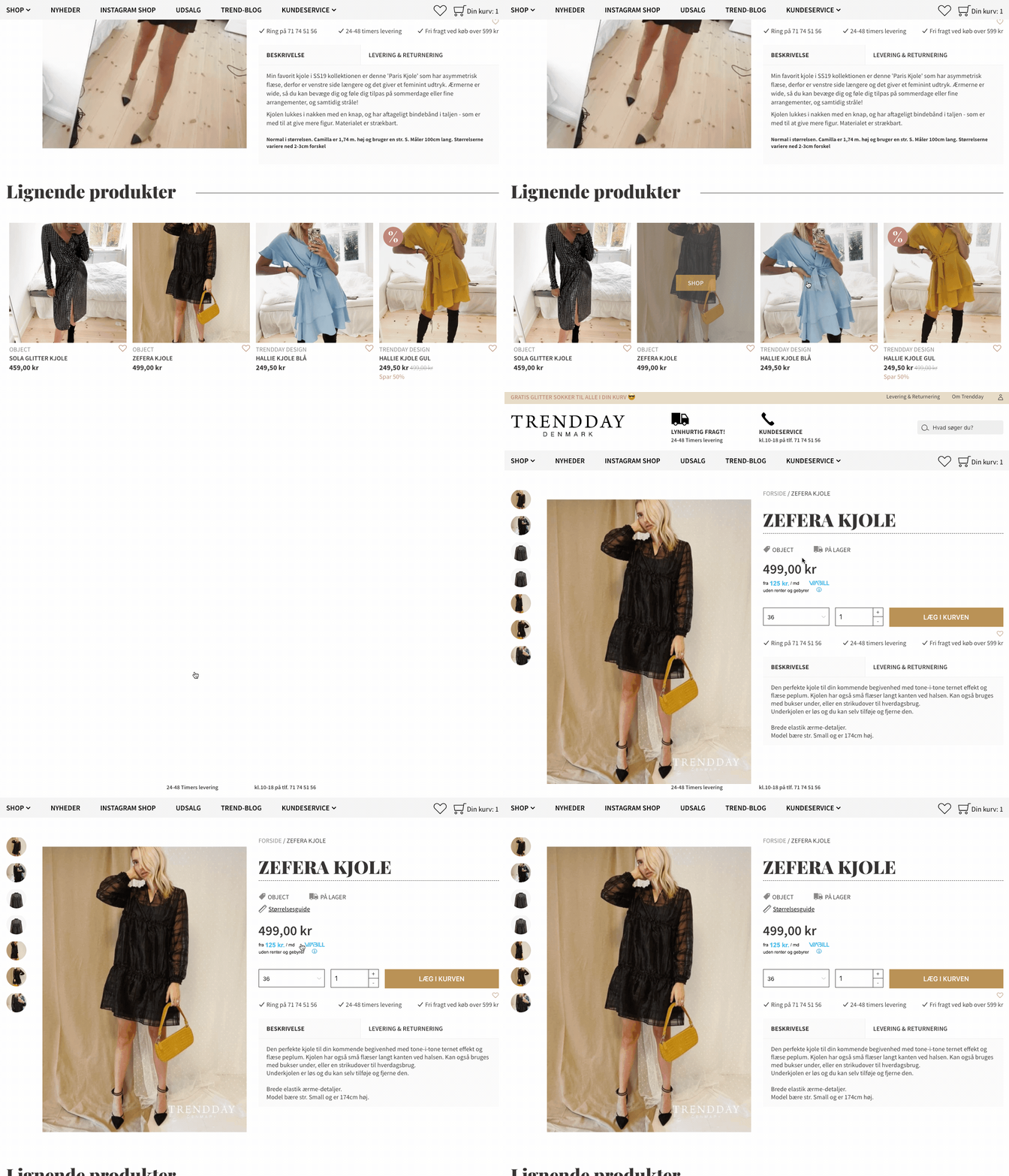
Step 9
Verify that recommended products are relevant to the item added to the basket.
Final Step
When every recommendation box in the Upsell works as expected, you can push your recommendations live.
Open the Hello Retail panel, go to Product Boxes, select the recommendations you want to publish, and click Make Live.
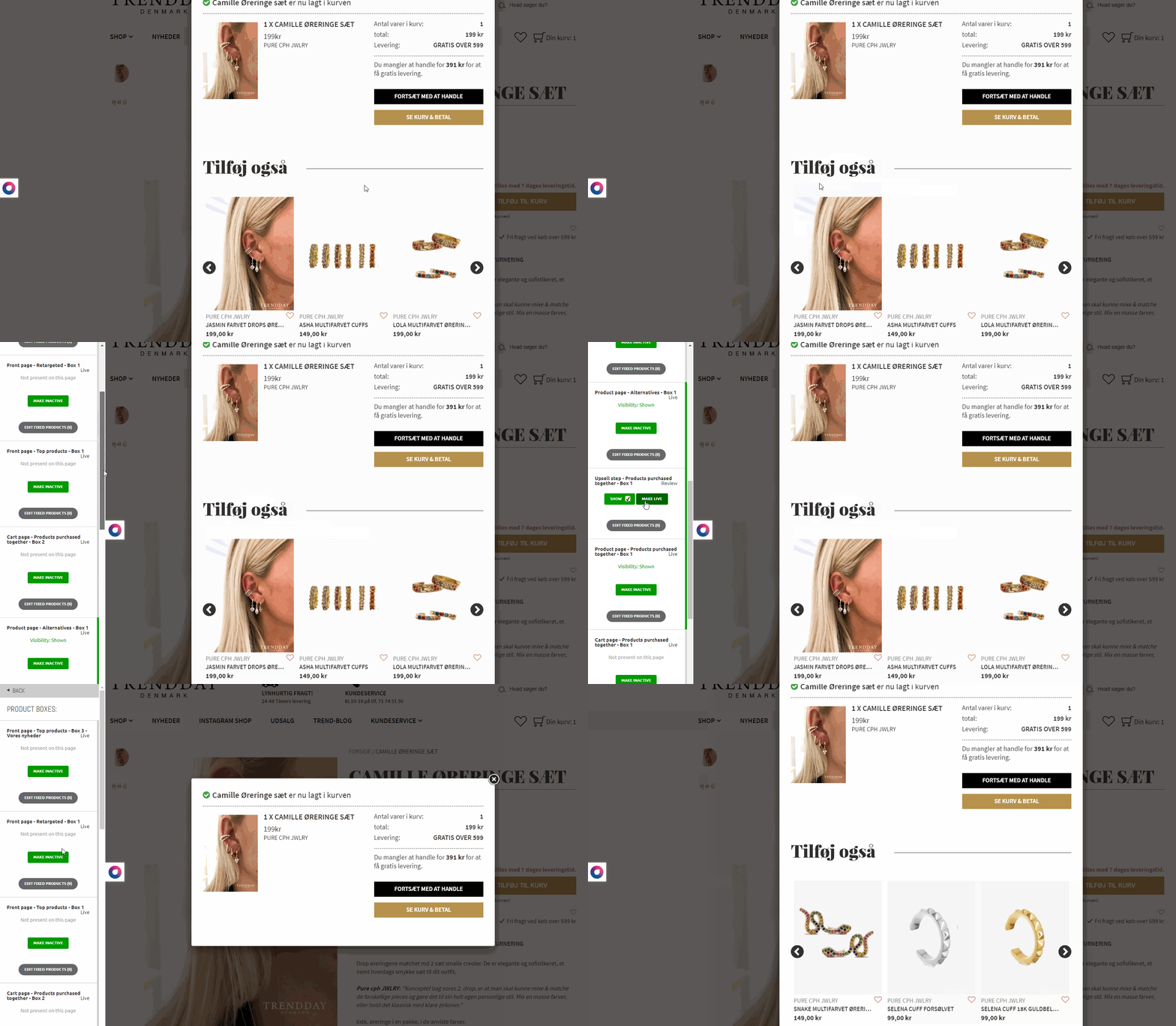
What shall we review next?
Recommendations
Dynamic Search
Test your website on mobile devices
Please select your browser:
 Chrome
  Firefox