Avg. 2 min read
 Adding recommendations with Miva's Visual Page Editor
hello-retail-recommendations v1.0.5.tar.bz2
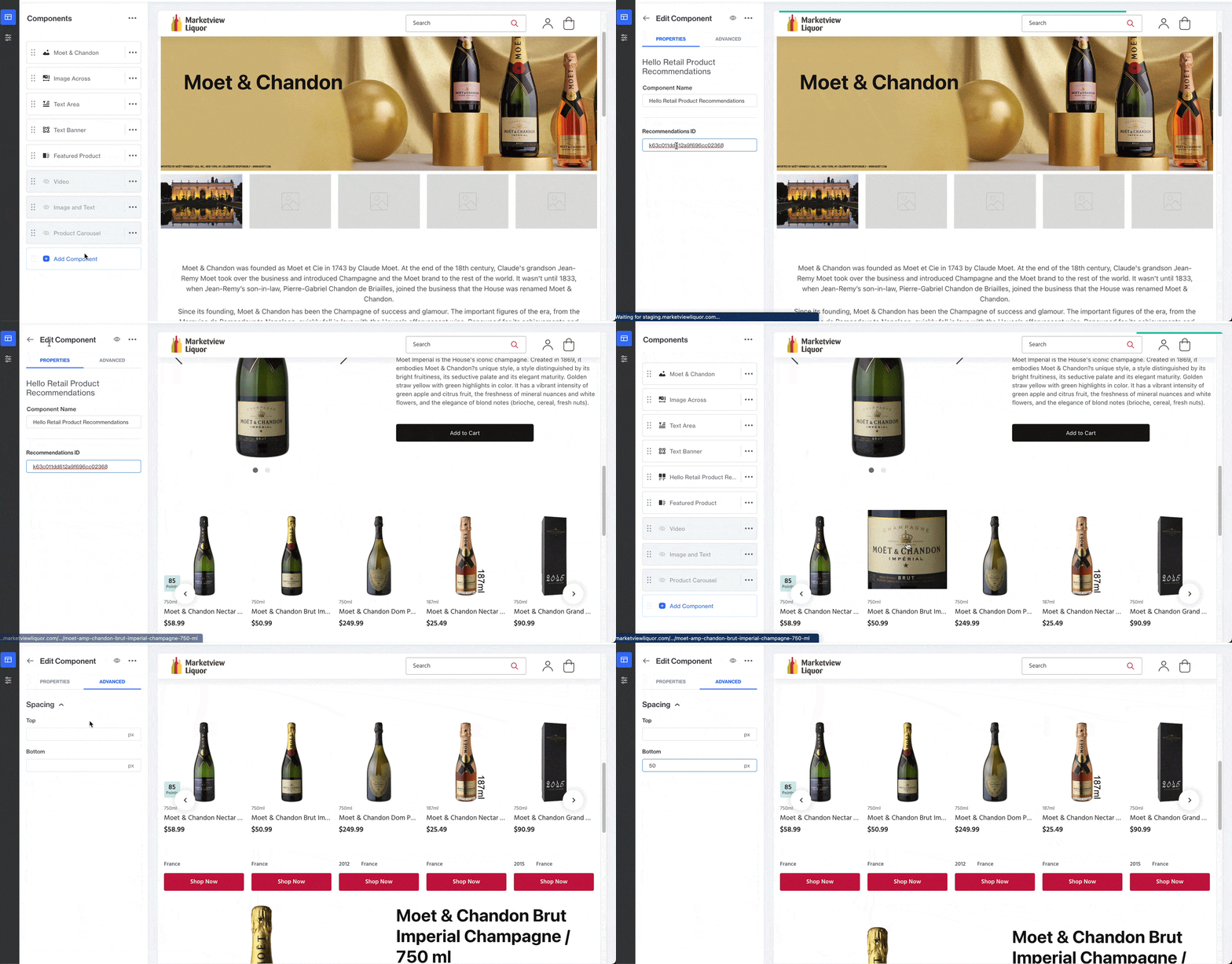
Hello Retail recommendations support Miva's Visual Page Editor and make it easy to place and move recommendation blocks on your storefront. Follow the steps below.
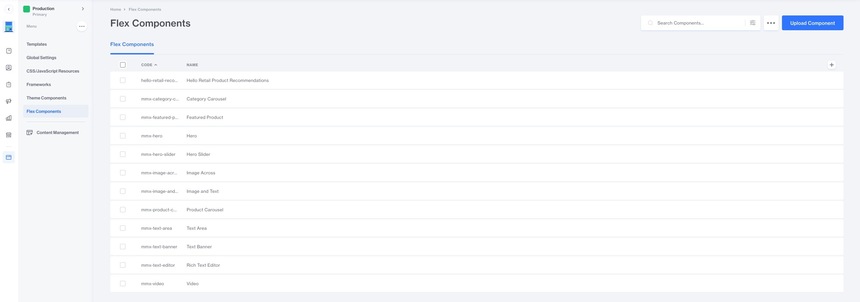
To install the Hello Retail Recommendations plugin, start by downloading the plugin above. Then go to User Interface -> Flex Components in the Miva admin, click the Upload button, and upload the plugin file.
After the plugin is installed, click Create Component. You will see the Hello Retail Product Recommendations component:
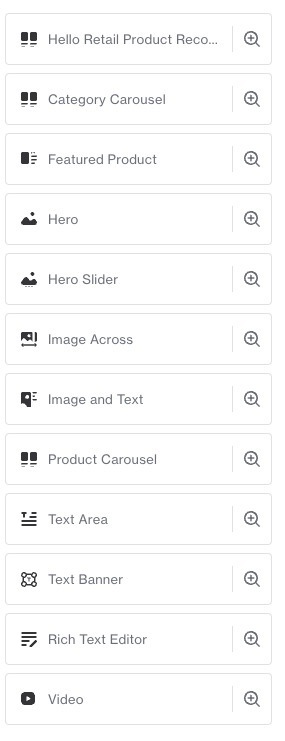
When you add the plugin you have two required options:
- Component Name
- Recommendations ID
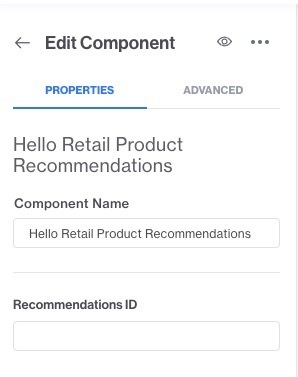
The Component Name is your internal name. Use a descriptive name if you have multiple recommendation bands on the same page.
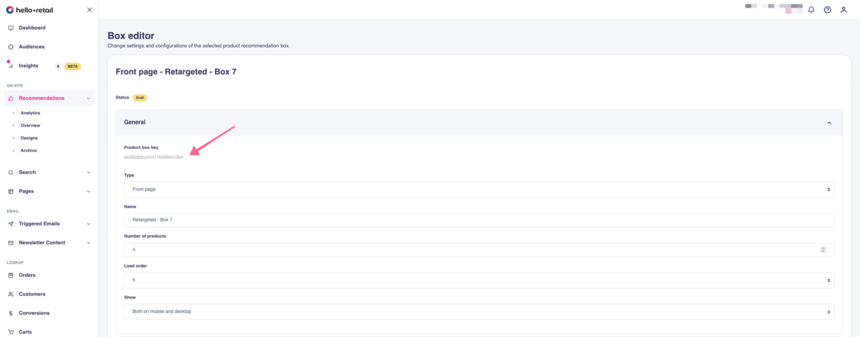
The Recommendations ID is the Product box key of the recommendation box you created in Hello Retail. Find it by going to Recommendations -> Overview, selecting the box, and copying the Product box key:
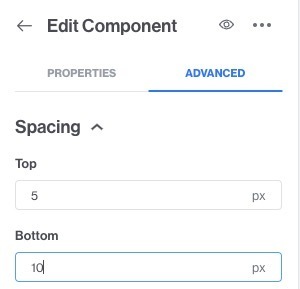
To add padding around the recommendation band, use the Advanced tab in the component: