Avg. 1 min read
 Configure Webshop
Use this guide to configure your webshop in Hello Retail after onboarding.
Introduction
After you complete the Hello Retail onboarding flow, configure your webshop details as the final step.
First finish installing your platform integration and complete onboarding. Then complete the webshop configuration.
Process
- Log in to your Hello Retail account.
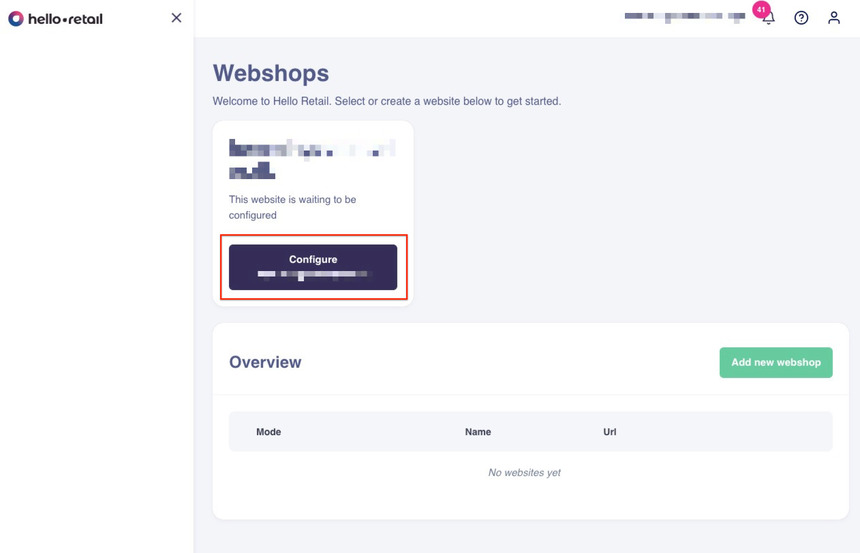
- In the Dashboard, click the Configure button.
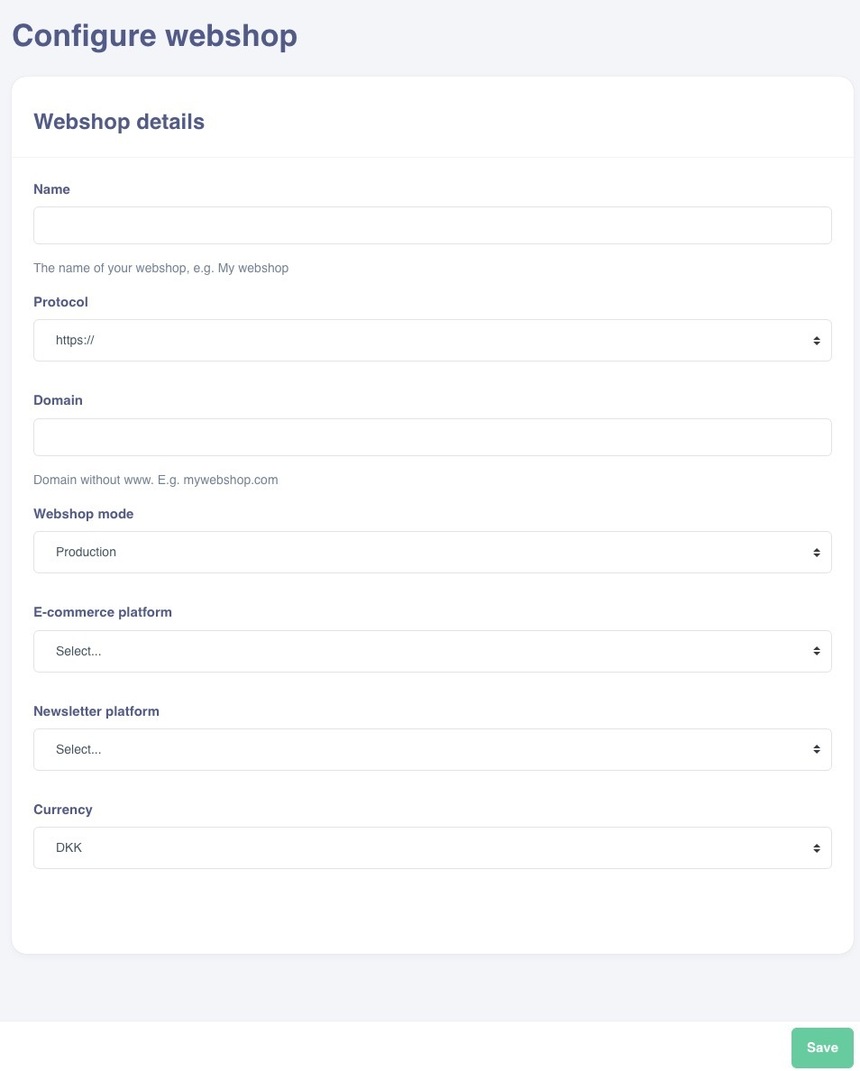
- In the configuration view, enter your webshop details.
- Click Save to apply your changes.