 Avg. 1 min read
 How to Add the Newsletter Content to Bullsender
Use these steps to insert your Hello Retail Newsletter content snippet in Bullsender.
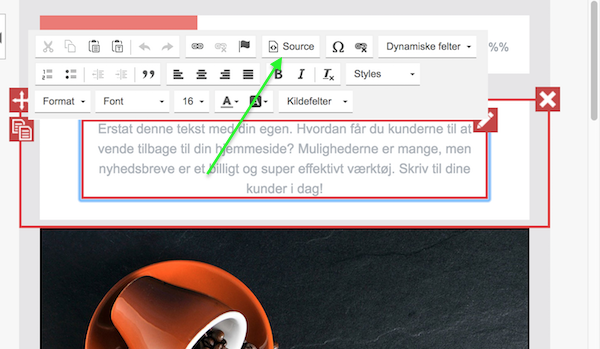
Step 1: After you log in and open the newsletter in edit mode, add or edit a text block. Then open the "Source" view to edit the HTML:
Step 2: Paste the Hello Retail newsletter content snippet into the source editor:
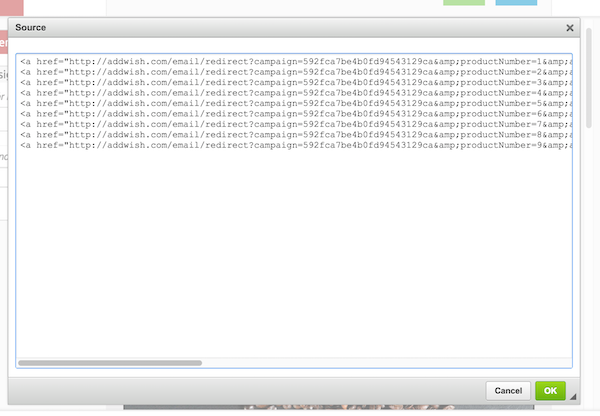
Click "OK" to save.