 Avg. 1 min read
 How to export permissions from Mailchimp
This guide explains how to export email marketing permissions from Mailchimp. Use the CSV to synchronize with Hello Retail as part of enabling Triggered Emails.
- Log in to Mailchimp here.
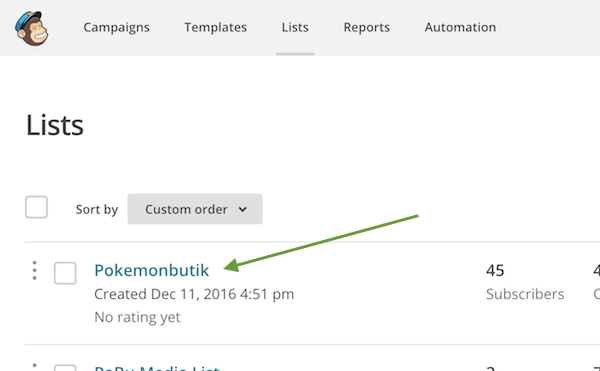
- Navigate to Lists and select your list.

- Choose Export List.
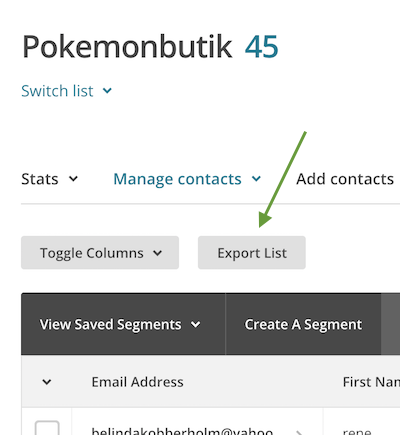
-
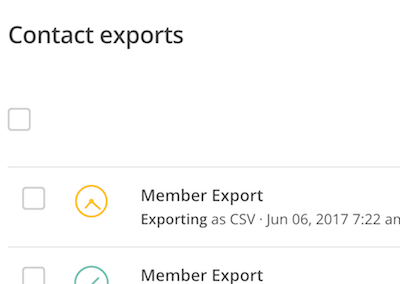
Mailchimp generates the CSV file.
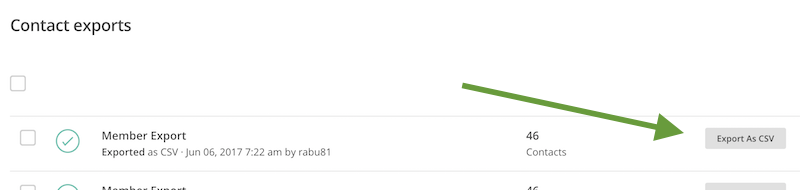
When the export is ready, click Export As CSV to download.
You are now ready to synchronize your permissions with Triggered Emails.