Avg. 1 min read
How to Invite Hello Retail to MailChimp
If you need help configuring Hello Retail in your Mailchimp account, you can grant us access by adding us as a user.
Video Guide
First, log in to your Mailchimp account at https://login.mailchimp.com/
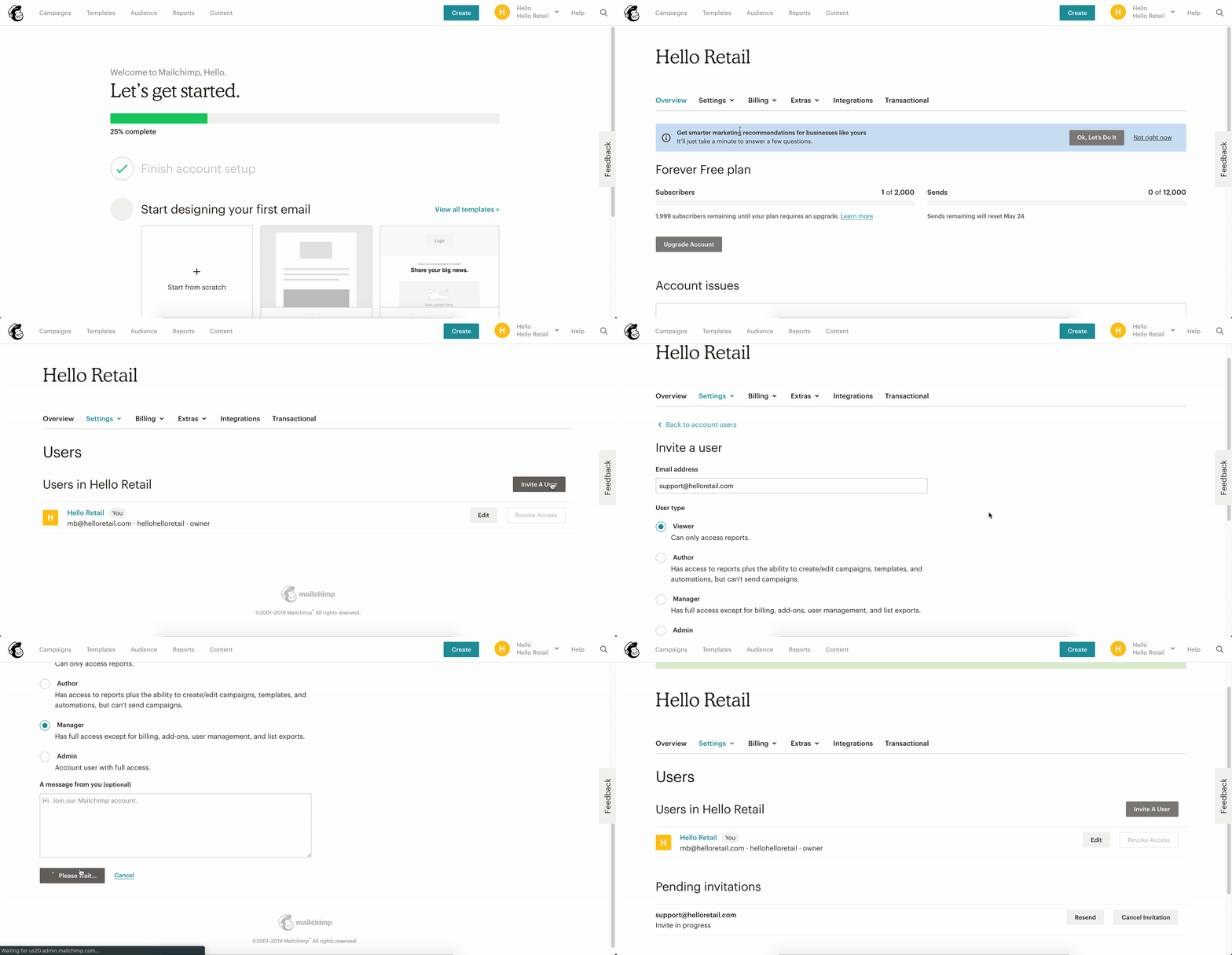
Text Guide
First, log in to your Mailchimp account at https://login.mailchimp.com/
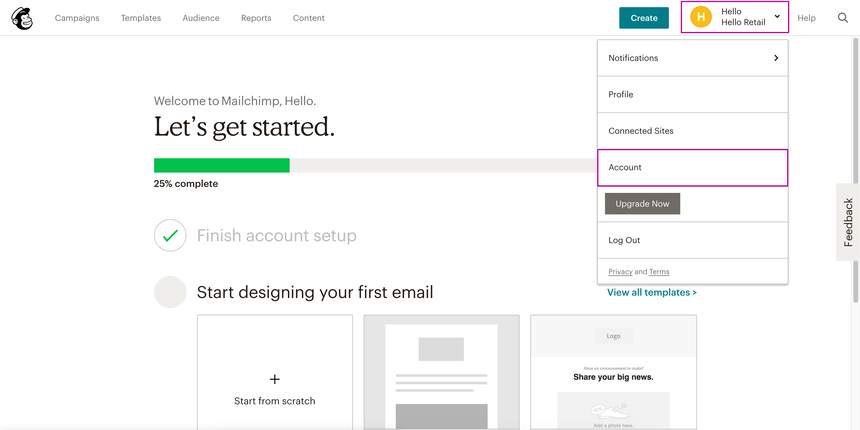
Step 1: Click the avatar with your company name in the top-right corner, then select Account.
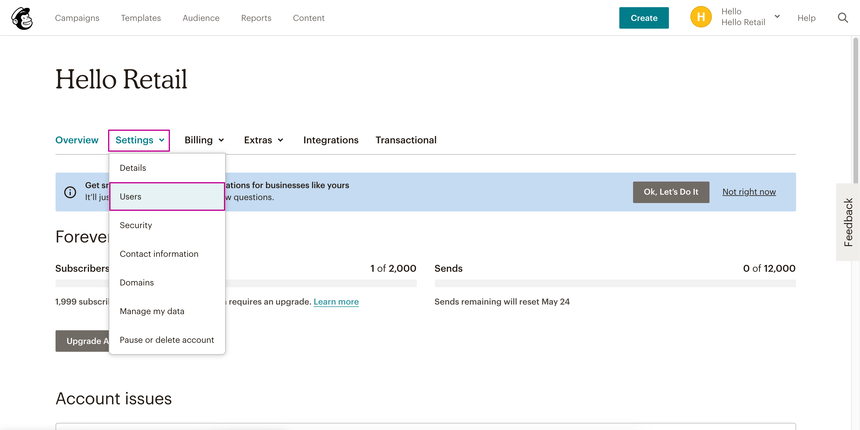
Step 2: Click Settings > Users.
Step 3: Click Invite a User.
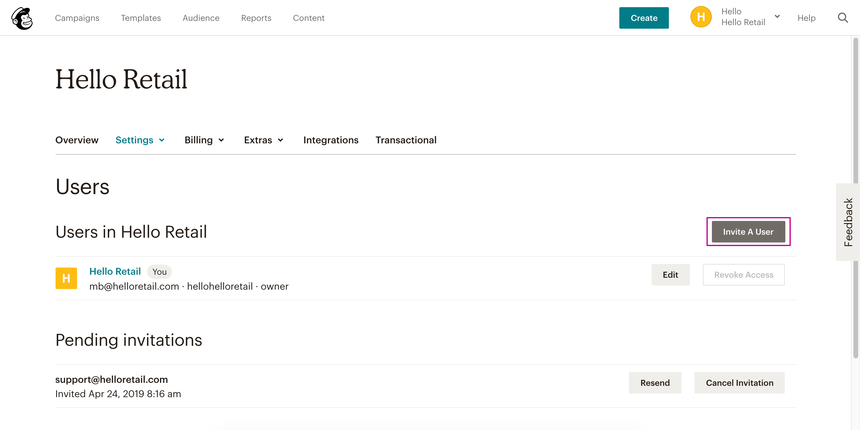
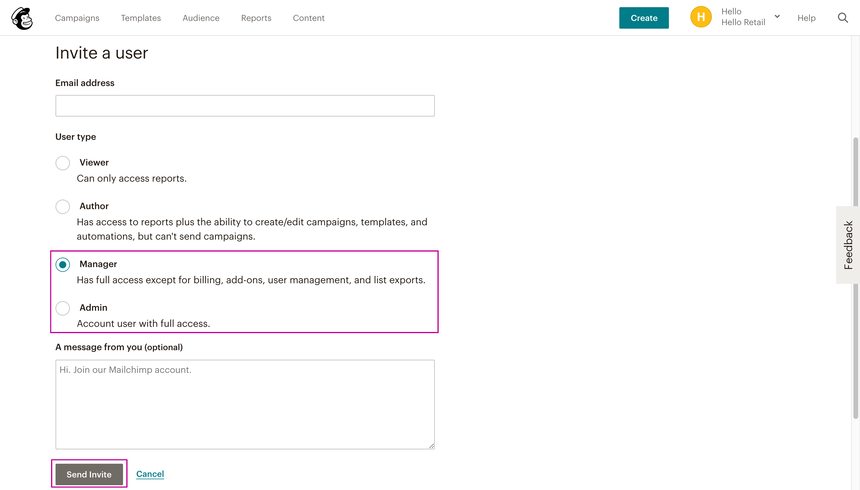
Step 4: Invite support@helloretail.com and set User Type to Manager or Admin.