 Avg. 2 min read
How to edit a Product Recommendation box
This guide shows how to edit the template code used to render a Product Recommendation box and how to control where the box is inserted on your webshop pages.
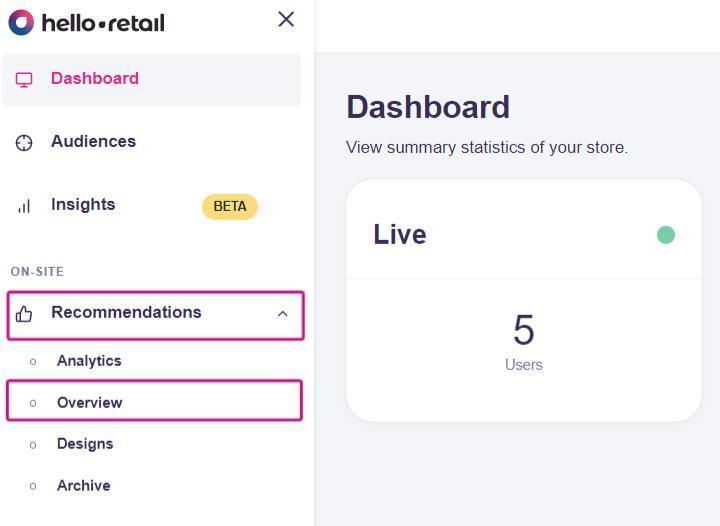
Step 1: Navigate to Recommendations -> Overview:
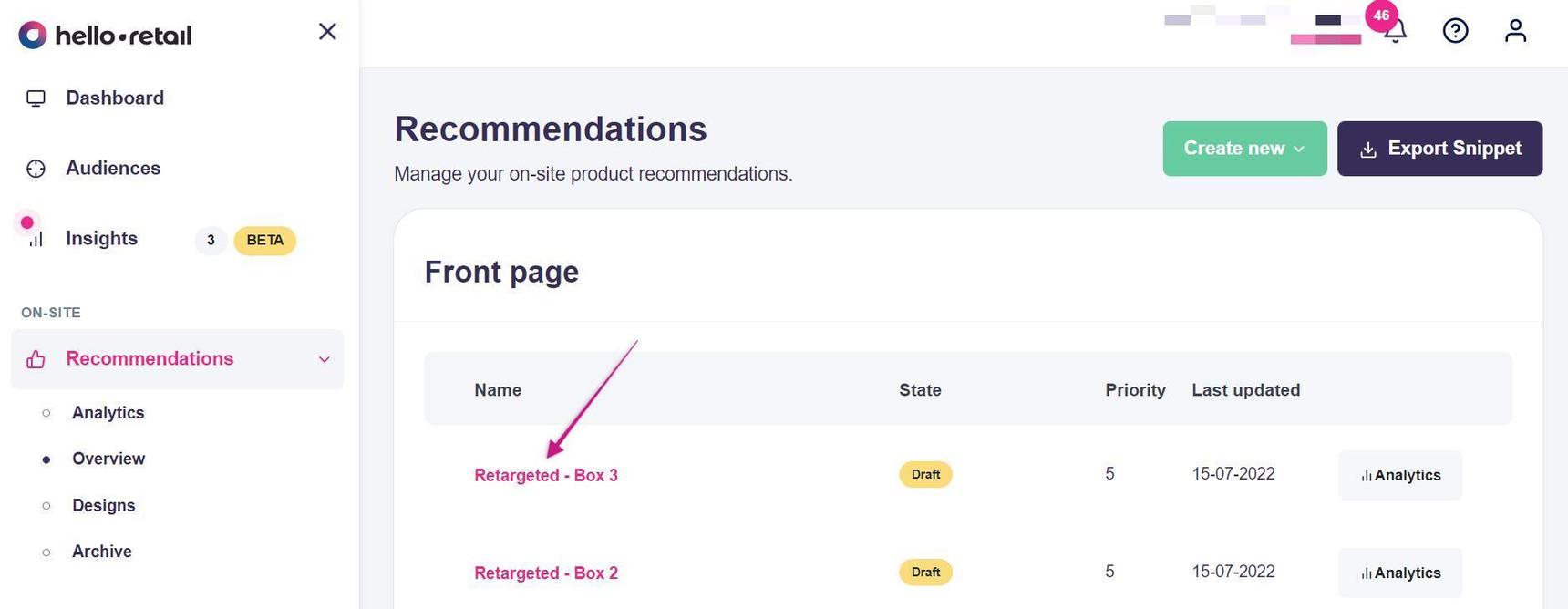
Step 2: Select the Recommendation box you want to edit:
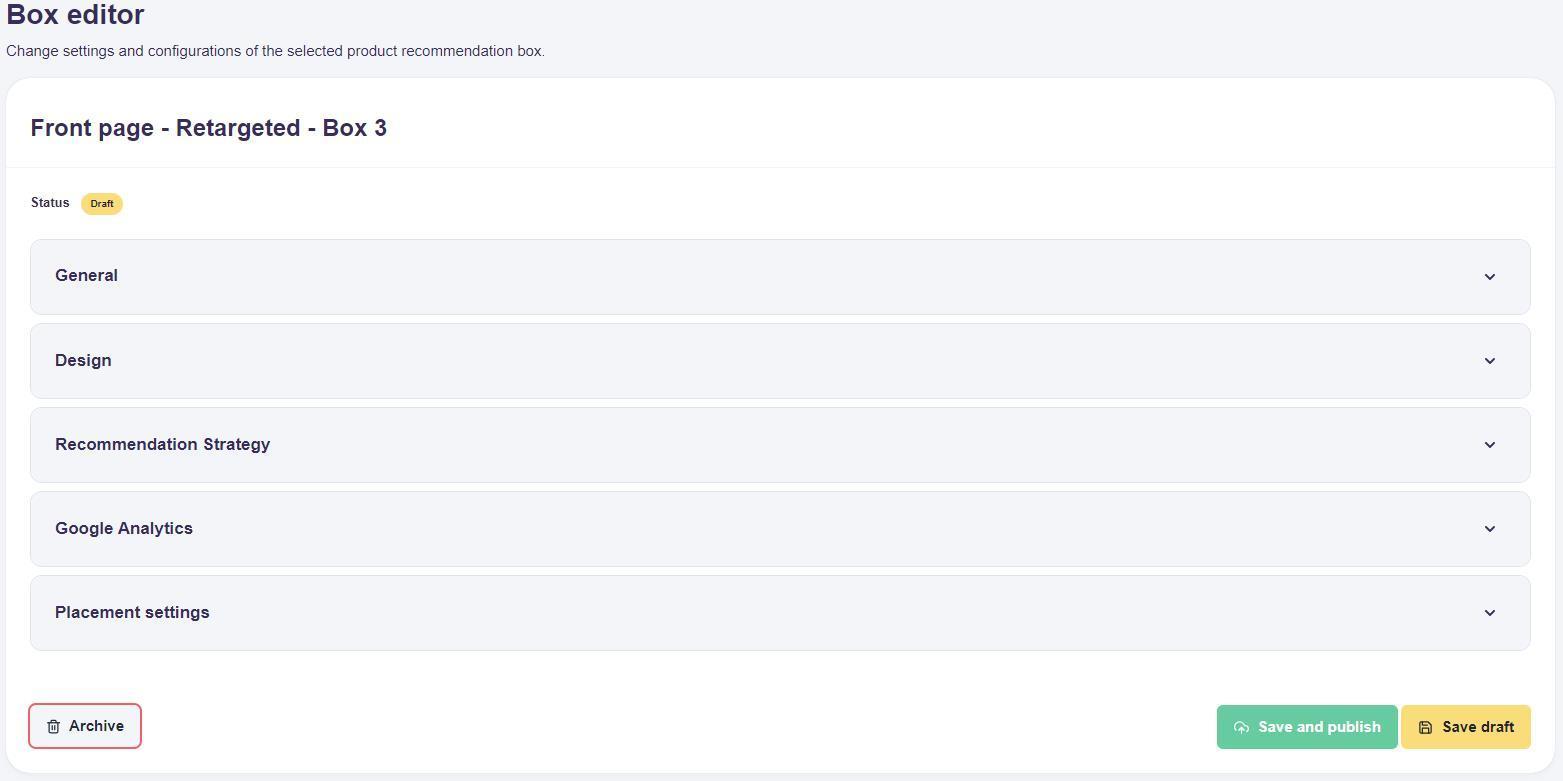
Step 3: Edit the settings for the Product Recommendation box:
Step 4: In the Design section, choose one of the standard designs and edit simple texts such as headlines:
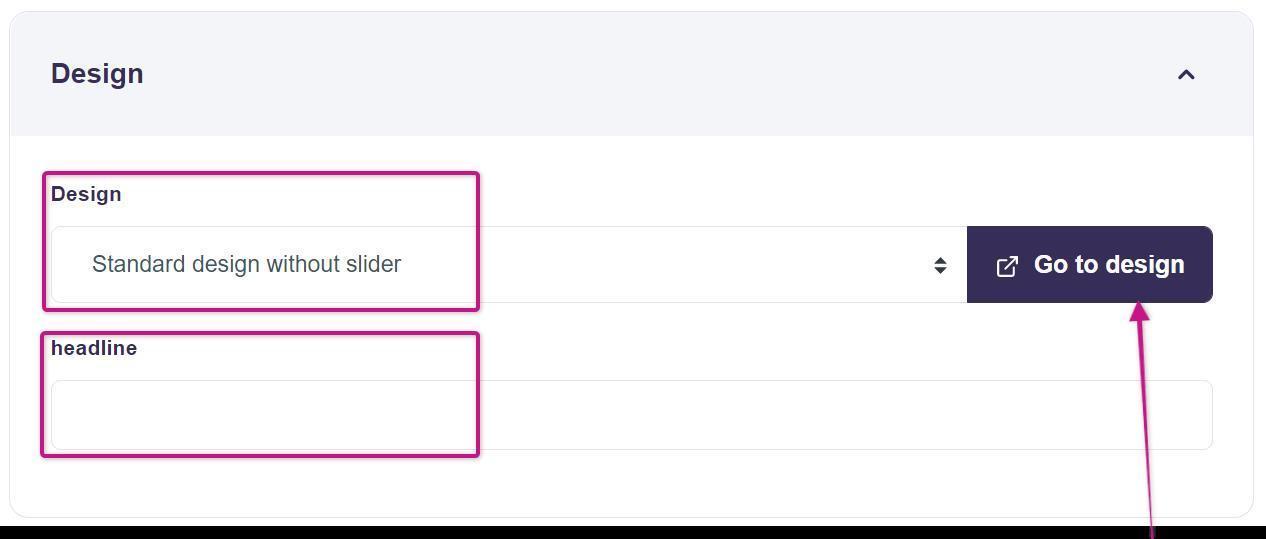
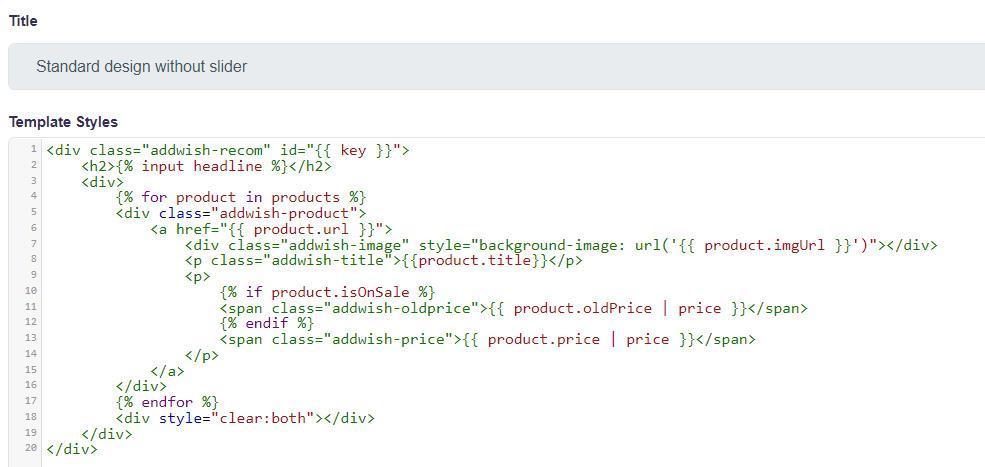
If you want to change the template code (HTML/CSS) used to render this box, click Go to design to switch to template code mode:
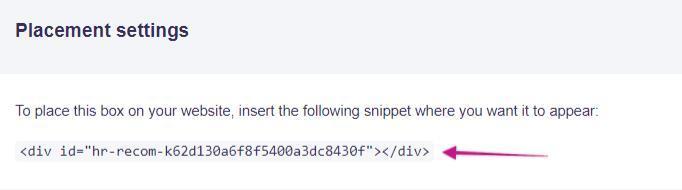
Step 5: In Placement settings, find the instructions for adding the box to a page or template on your webshop:
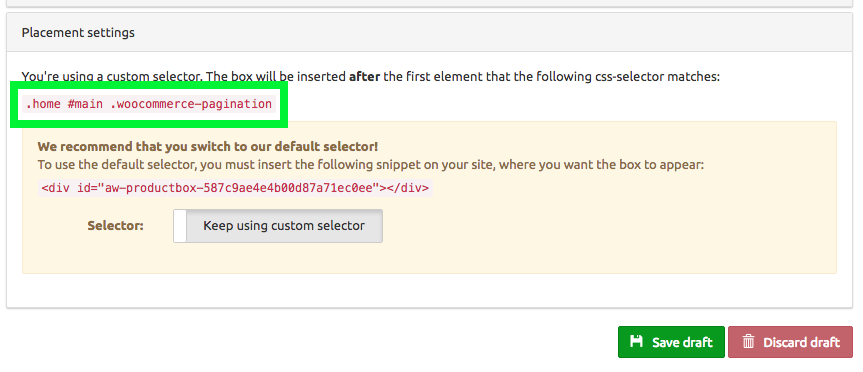
If you have a custom selector set up to insert the box on your webshop, the selector appears under Placement settings.
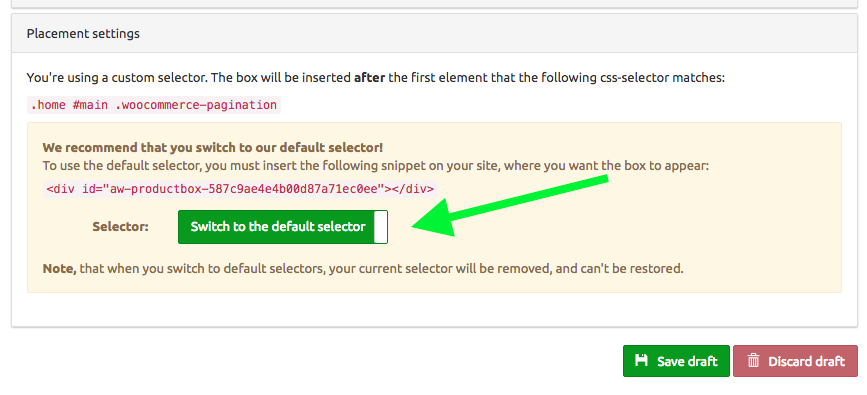
To change this, toggle Switch to the default selector. You can then use the default selector by adding the code snippet for the box to a page or template on your webshop:
Always remember to click Save after making any changes on the edit page.