 Avg. 4 min read
 Initial Content Strategies
This article lists the Initial Content strategies available in the Hello Retail dashboard and explains the logic for each. As of February 2025, the following algorithm steps can be selected in the Initial Content menu:
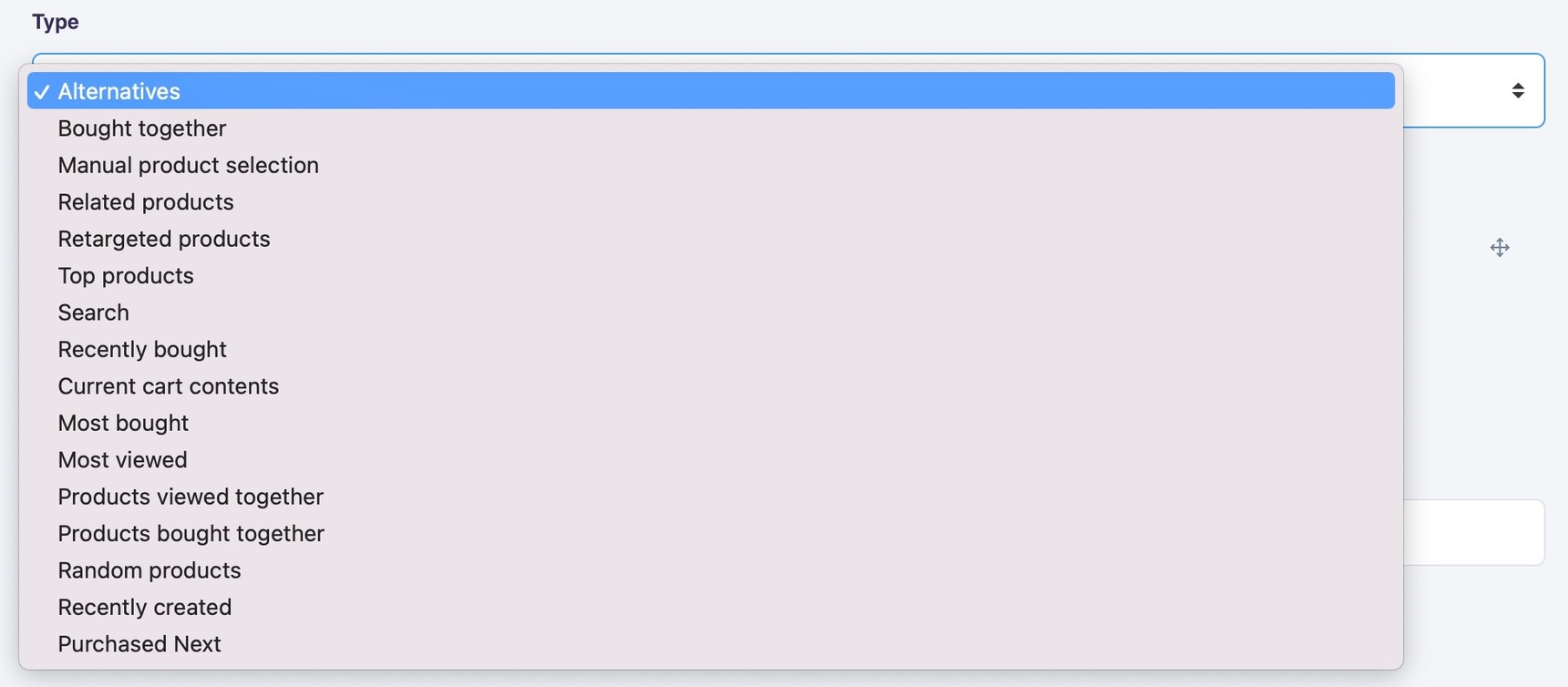
Alternatives
Selects products similar to the currently viewed product.
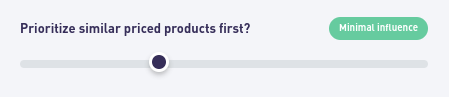
Recommended products are ranked by similarity to the current product. You can optionally prioritize price proximity to the current product. Similarity remains the primary signal; price only affects the order when two candidates have comparable similarity. Use the slider to control how much weight to give price similarity.
Bought together
Selects products that are often purchased together with the currently viewed product.
By default, recommendations are ordered by how frequently they are bought together. As with Alternatives, you can also apply price proximity weighting.
Manual product selection
Select the exact products to show. Search by product title or URL in the step’s search field.
Related products
Items that, in aggregate across all visitors, are most often viewed together with the currently viewed product.
Retargeted products
Based on the individual user’s (cookie) view history. Products are ordered by recency: most recently viewed first.
Top products
The most popular products ranked by how often a product is sold relative to how often it is viewed, aggregated across all visitors.
Search
Runs a keyword search, typically using attributes from the currently viewed product’s title. This is not a recommendation algorithm but a way to return products sharing attributes with the query.
Recently bought
Similar to Retargeted products, but uses the customer’s recently purchased products instead of viewed products.
Current cart contents
Returns the products currently in the user’s cart (tracked by cookie). A cart is considered current if it has been updated within the last 20 minutes.
Most bought
Finds the products most frequently purchased across the site. The score uses time decay to reflect current demand, so seasonal items become less prominent over time unless purchases continue.
Most viewed
Products with the highest view counts across all visitors.
Products viewed together
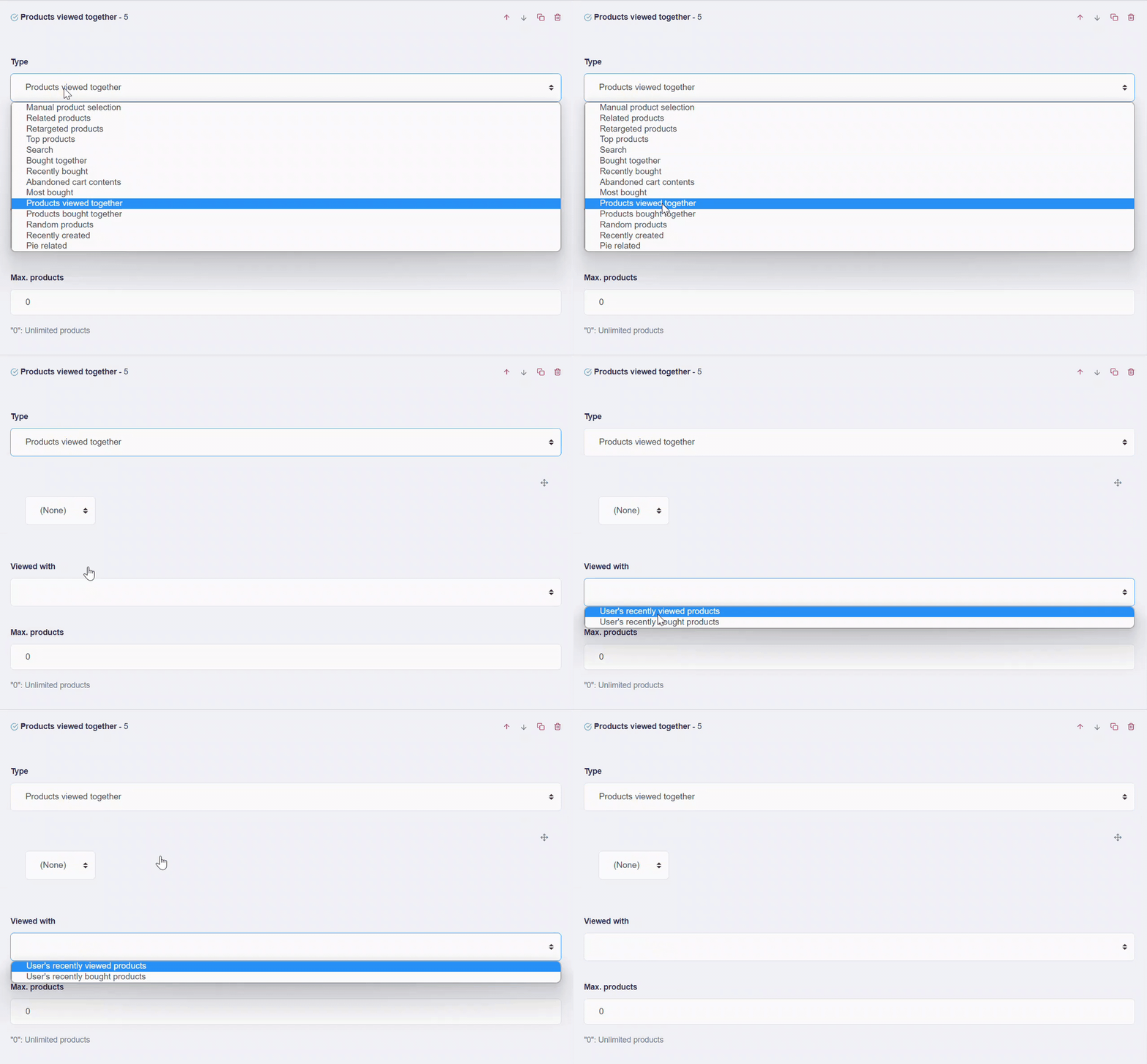
Shows products that many visitors viewed together with either: - the user’s recently viewed products, or - the user’s recently bought products
Select the source in the Viewed with dropdown.
Products bought together
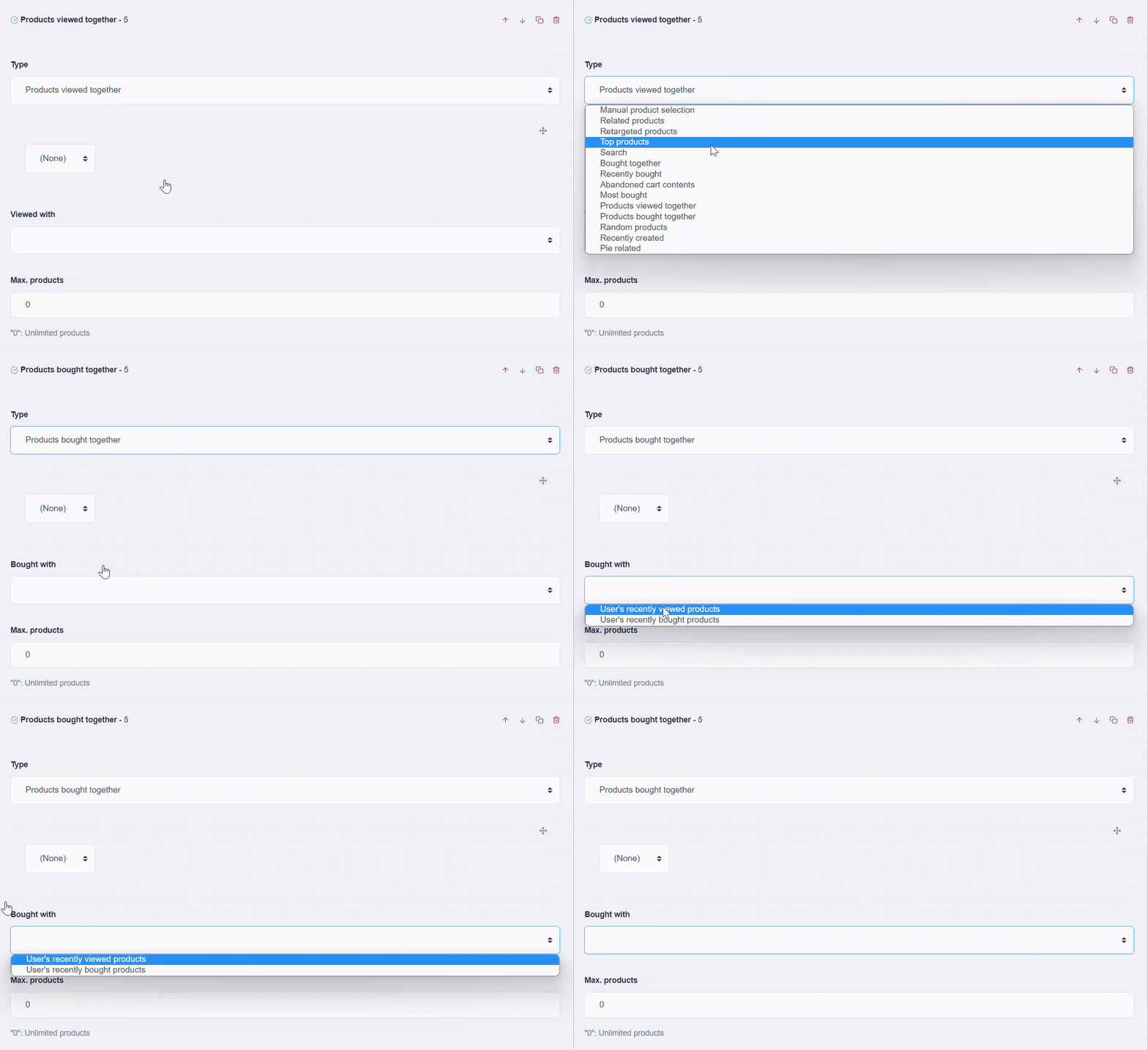
Same configuration options as above, but results are based on products that visitors bought together, not just viewed.
Random products
Returns a specified number of random products. Useful when you need frequently changing content that is not tied to a specific context.
Recently created
Products sorted by creation date in descending order. You can provide the creation date per product in the product feed. If it is missing, Hello Retail uses the first-seen date in the system.