Avg. 4 min read
 Domain settings for Triggered Emails
Triggered Emails are sent on behalf of your domain through Hello Retail. This guide explains how to configure your domain so mailbox providers treat these emails as legitimate. Proper DNS and authentication setup reduces the risk of spam filtering and improves trust. With stricter standards like SPF, DKIM, and DMARC, correct configuration directly affects deliverability.
You must add DNS records on a dedicated subdomain. Hello Retail will verify and activate the domain before we start sending with it.
Sending domain
Recipients will see the sender as your own domain (e.g. myshop.com). To support this, you must create a subdomain (e.g. triggers.myshop.com) that Hello Retail uses for authentication and routing.
Custom entries to your DNS setting
Hello Retail will ask you to add specific DNS records. A developer or someone with DNS access should make these changes.
Some values apply to all clients and can be copied from the list below. The DKIM key is unique per domain and will be provided by Hello Retail Support after you request a custom domain. Replace "myshop.com" with your actual domain:
| Type | Hostname | Value |
|---|---|---|
| SPF (TXT) | triggers.myshop.com | v=spf1 include:_spf.helloretail.com ~all |
| DKIM (TXT) | hr._domainkey.triggers.myshop.com | (the unique DKIM-key will be sent to you, upon requesting a custom domain from support@helloretail.com) |
| CNAME | hr.triggers.myshop.com | email.helloretailmail.com |
| MX | triggers.myshop.com | mxa.eu.mailgun.org |
| MX | triggers.myshop.com | mxb.eu.mailgun.org |
Note
If your domain already has an SPF record, merge include:_spf.helloretail.com into a single valid SPF TXT record at the hostname. Do not publish multiple SPF records for the same host.
Include an unsubscribe link in your Triggered Emails base template. The default design template includes an unsubscribe link by default.
Once these entries have been verified by Hello Retail, we will update your Triggered Emails to use the custom sending domain.
How will my emails appear, if I don't have a custom domain set up for Triggered Emails?
When a custom domain is set up and your DMARC policy aligns with SPF or DKIM, the email will appear to the recipient as coming from your own domain.
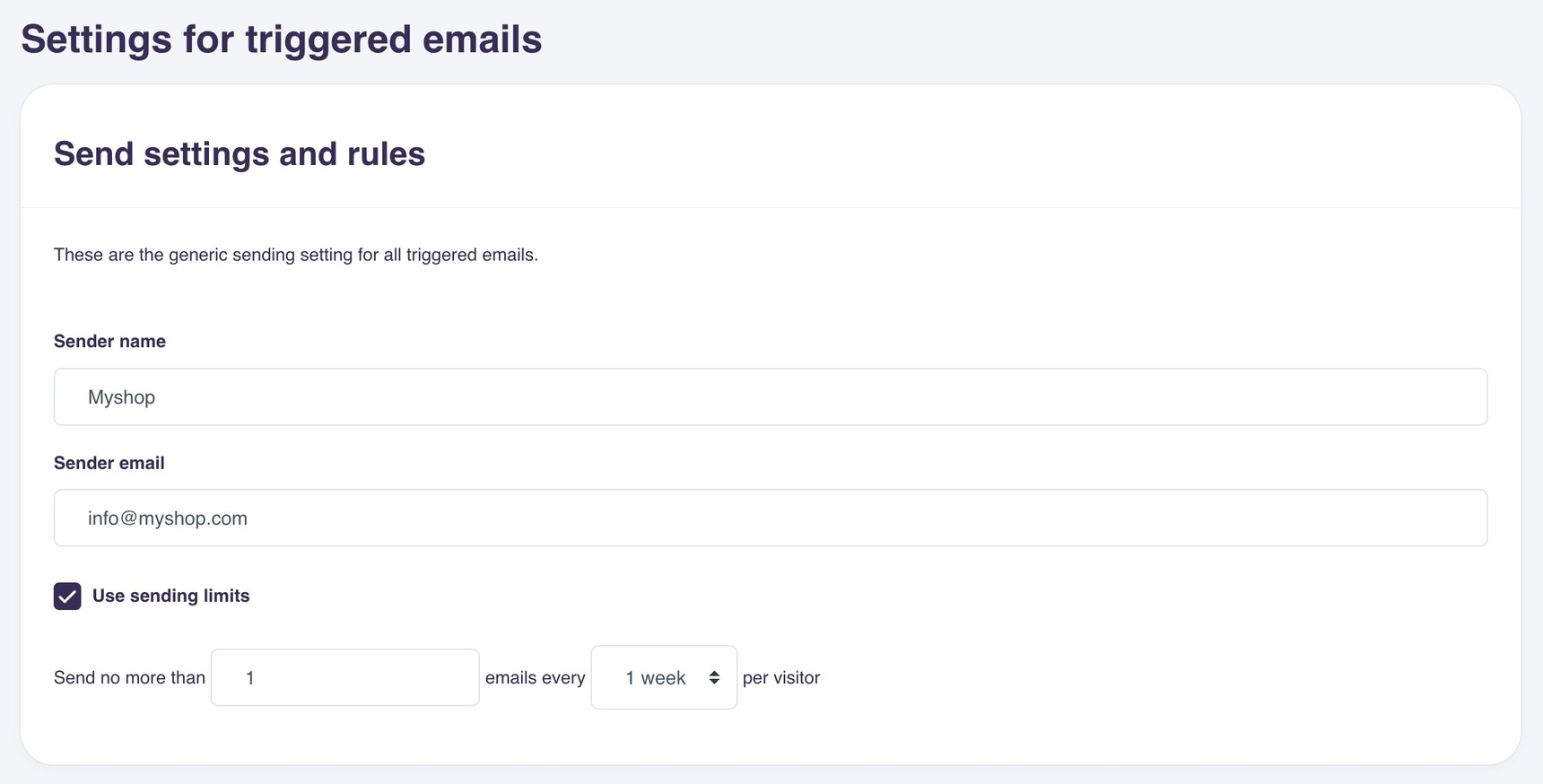
Without this, the email will still use the configured Sender name, but the Sender email will be noreply@helloretailmail.com